
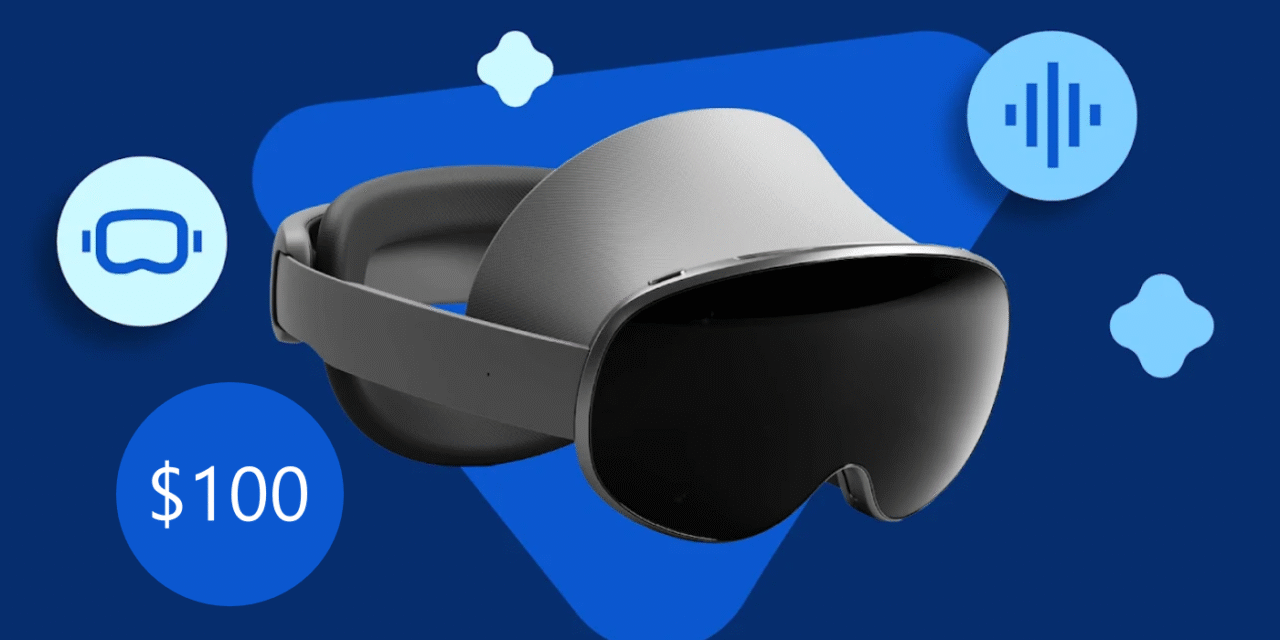
Samsung’s mixed-reality debut on Android XR is almost here, and reservations include a $100 Samsung Credit tied to your purchase window. If you plan to buy the headset, acting now locks in the perk and smooths your checkout on launch night. This guide shows you how to reserve the Samsung XR headset $100 credit, how redemption works, and what to prep before the event stream.
What you need before you start
Have a Samsung account ready (or create one), plus the Shop Samsung app or access to Samsung.com in your region. Use an email you check often—reservation and purchase confirmations arrive fast, and the credit is tied to the account you use at checkout. If you’re in Europe, confirm your country’s Samsung Store supports the XR reservation program before you begin.
Step-by-step: reserve the Samsung XR headset $100 credit
-
Open the reservation page on Samsung.com or in the Shop Samsung app.
-
Sign in (or create an account), then submit the name + email reservation form.
-
Watch for the reservation confirmation email—keep it starred; it contains your eligibility details.
-
On launch, buy the reserved device using the same Samsung account. The $100 credit applies to eligible accessories/add-ons during the purchase window at checkout.
-
Finish the order in one session so your credit and device land on the same invoice.
Tip: If the credit doesn’t appear at checkout, refresh once, confirm you’re logged into the same account used for the reservation, and check whether you’re adding eligible accessories (straps, chargers, earbuds, etc.).
How the $100 credit works (eligibility window & fine print)
The reservation is free; the credit is unlocked only when you purchase the headset during Samsung’s stated window after launch. In most regions, the credit cannot discount the headset itself—it’s applied to eligible accessories in the same cart. Stock is limited; once the credit allocation for your region is exhausted, the offer may end early. Always check the regional terms on the reservation page you use.
Event timing and region notes (EU view)
Samsung’s global stream starts October 21, 10:00 p.m. ET. If preorders open immediately after the stream, EU carts typically go live within minutes; have your address and payment ready. If regional stores stage preorders later in the morning, keep notifications on in the app—Samsung often ping-notifies account holders first.
Common issues and quick fixes
-
Credit not visible at checkout: sign out/in, confirm the same account, and add eligible accessories. Try web and app; sometimes one updates before the other.
-
Wrong region store: make sure you’re on your country storefront—the offer can be regional.
-
Multiple reservations: the system typically honors one credit per account; don’t expect stacking.
-
Payment decline at launch: add your card or PayPal before the event and verify 3-D Secure to avoid timeouts.
FAQs
Can I change my email after reserving? Use the same account at checkout. If you must switch, contact Samsung support before launch to avoid losing eligibility.
Is the credit transferable? No—credits attach to the account, not a coupon code you can share.
Does the credit expire? Yes—credits usually expire at the end of the purchase window listed in your region’s terms. Buy within that window.
Can I return the headset and keep accessories bought with the credit? Returns follow your region’s policy; if you return the headset, Samsung may claw back accessory credits/discounts.
Bottom line
If you’re planning to buy, reserve the Samsung XR headset $100 credit now and prep your cart. Using the same account on launch night is the key to a smooth checkout. With timing, eligibility, and accessories squared away, your reservation turns into real value instead of a missed perk.