
Building a new PC from old parts? Don’t reuse these components
When building a new desktop computer, it makes sense to reuse as many components as possible from your old machine. That very flexibility is one of the greatest advantages of a self-built system! Nevertheless, it is worth exercising caution here: some components age without you realizing it, or are no longer technically compatible with modern hardware.
Anyone putting together a new PC should carefully check which parts should really be reused. The power supply is particularly critical. Whilst many users continue to use a high-quality model across several generations of computers, electronic components do age. Capacitors lose performance over time, and new graphics cards or processors may have higher or different power requirements.
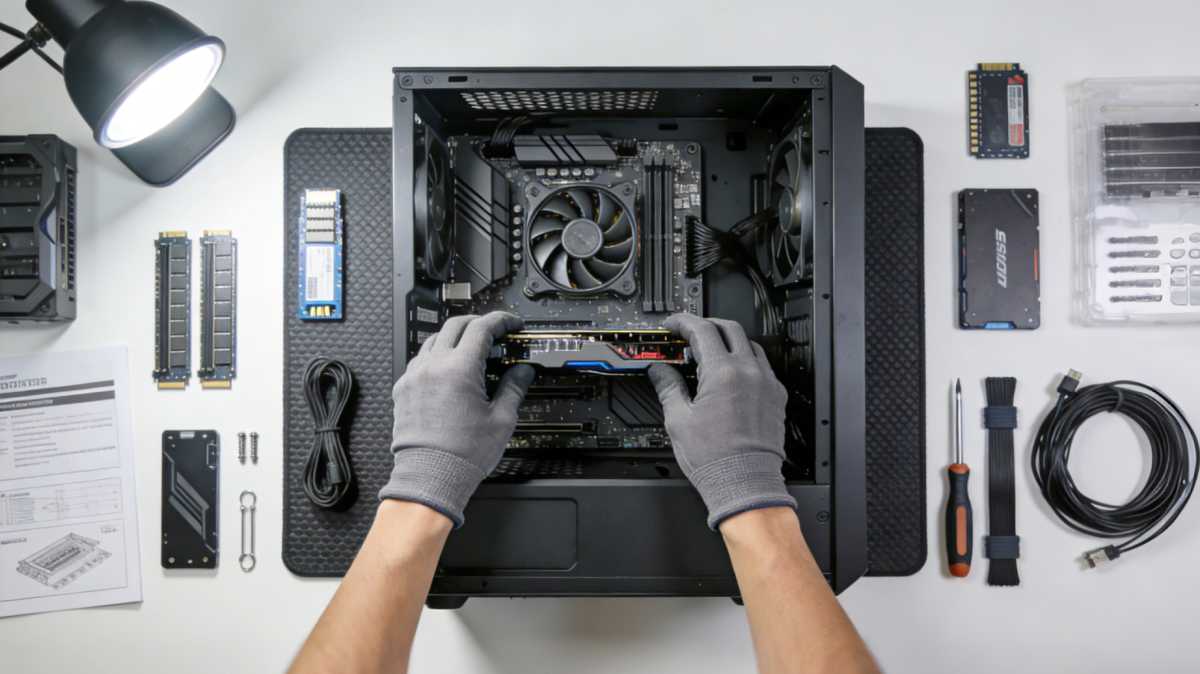
Fitting a new PC with old parts from its predecessor sounds tempting, but is not always advisable – for example, in the case of second-hand memory modules.
Newegg
You should therefore check the age, power rating and condition of the power supply unit before installation. If the unit is already many years old or offers only a small power reserve, replacing it is usually the safer option. A common and potentially dangerous mistake concerns modular power supply cables. Even if the plugs look identical, the pin configurations often differ between different power supply models.
Connecting old cables to a new power supply can lead to short circuits. Therefore, when replacing the power supply, always use only the cables supplied with the specific model. Older hard drives and SSDs should also be assessed carefully.
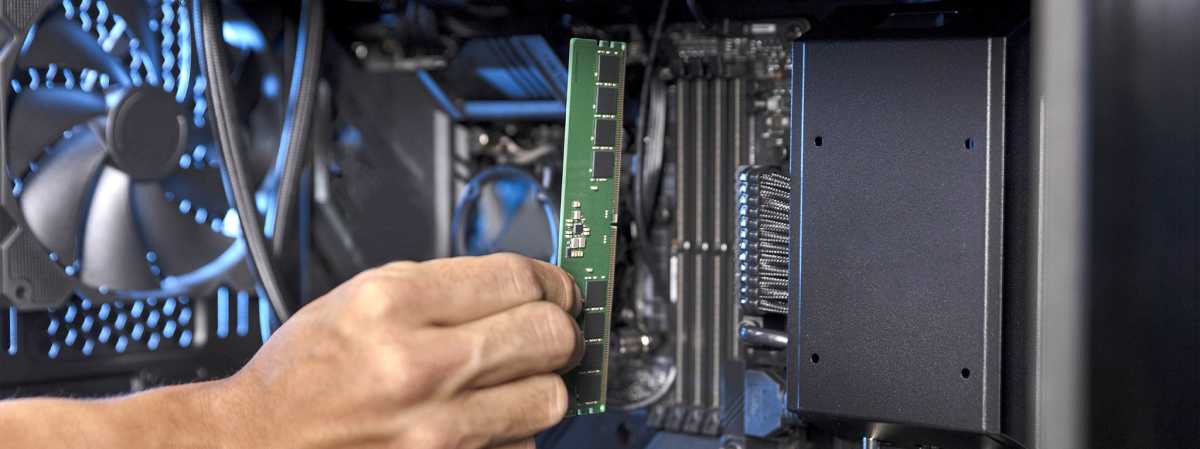
When it comes to RAM, modules with different specifications can be used together. However, the overall performance depends on the weakest link.
Kingston
Mechanical hard drives are subject to wear and tear due to their moving parts, whilst early SSD models often have significantly lower write endurance than current flash memory drives. Such storage devices can still serve as a secondary drive or for less important data, but should, where possible, no longer be used as the system drive. The same applies to mixed or very old RAM modules.
Although different memory modules often work together, stability and speed are always determined by the weakest module. For a new PC, a uniform RAM kit is therefore usually recommended.
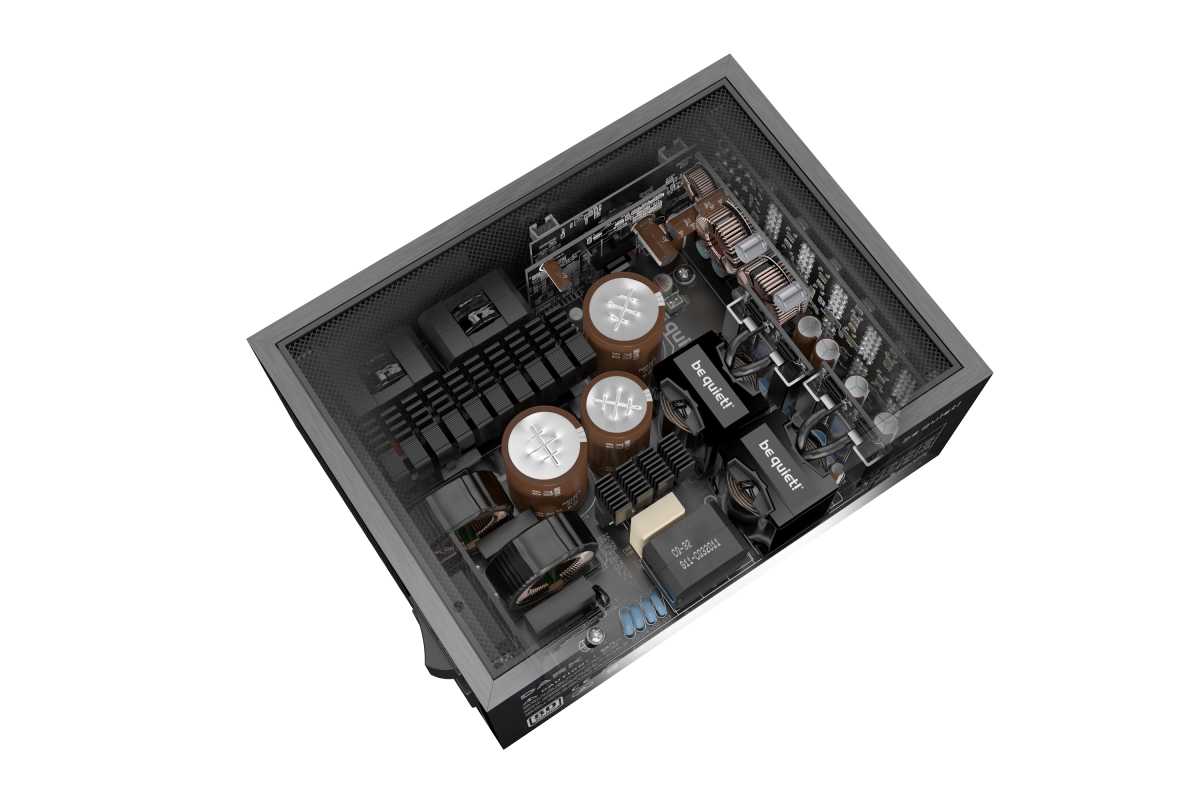
The power supply unit is often used across several generations of PCs. In particular, the capacitors age over time and lose performance. It is therefore often advisable to replace them.
Foundry
Old all-in-one water-cooling systems also warrant attention. The integrated pump has a limited lifespan and may lose performance or even fail over the years. Modern air coolers now also achieve very good results and are often the more reliable choice in the long term. As a rule of thumb: please only carry over components if their condition, age and performance are still suitable for the new system.
You should check the power supply, cables, storage drives, and cooling system particularly carefully to avoid subsequent problems or damage to new hardware.