
Gmail offers fully encrypted email. But better alternatives exist
Email that only your recipient can read—sounds like a great idea for sensitive messages, right? Especially if you could have that within Gmail.
Technically, you can. Google does offer full end-to-end encryption (EE2E) for email, which blocks everyone but you and your recipient from reading its contents. Not even Google would be able to know what EE2E emails say, despite the data living on its servers.
But I don’t recommend Gmail if you want to use EE2E for your email. For this protection, you should turn elsewhere. Other email providers have a better lock on this feature for users like you and me—and one doesn’t even require you to fully leave Gmail to benefit.
PROMOTION
Get a private email address for $1
Proton Mail gives you end-to-end encrypted email with no ads, no tracking, and no one reading your inbox. Built in Switzerland, trusted by 100M+ users. Start for just $1.
Why end-to-end encrypted email?
Many email providers now offer partial encryption, including Gmail. But few actually provide end-to-end encrypted email.
By default, email is not encrypted. Email providers now commonly encrypt the acts of sending, receiving, and storing messages, but they can still see the content. Only end-to-end encrypted email scrambles the whole process from absolute start to finish.
You’ll often hear EE2E email recommended for people like journalists and activists, but even everyday folks can benefit. These days, your online activity is being tracked with finer and finer detail. Data leaks and breaches continue to pile up. AI keeps upending expectations around privacy and security. If you have fewer people who know your business (including your email provider), that could help protect you down the road.
Why not Gmail?
Dave Parrack / IDG
For personal accounts, Gmail only encrypts email while in transit (if supported by the receiving party) and at rest. The data isn’t fully end-to-end encrypted because Google and the other email provider can see it.
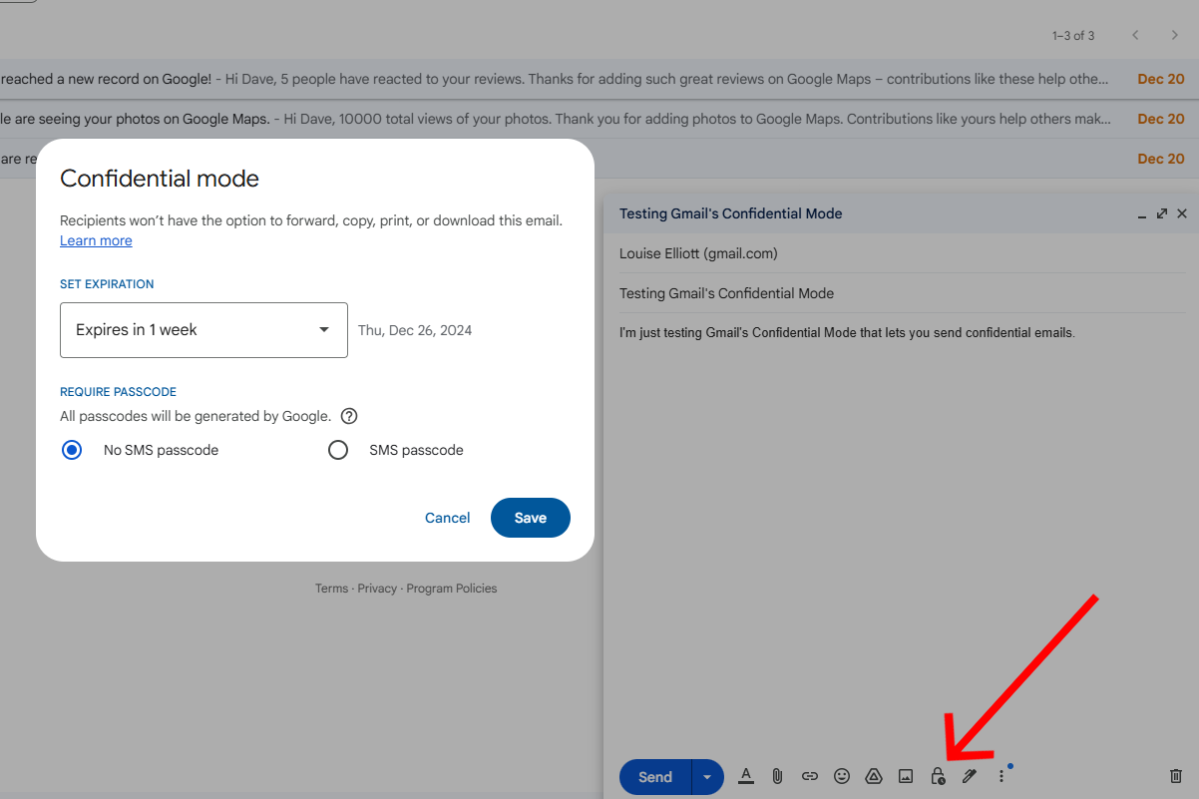
(What about Gmail’s Confidential Mode? That feature only limits access to an email, rather than changes its level of encryption.)
For true end-to-end encryption through Gmail, you must sign up for Google’s most expensive Workspace plan—one designed for large enterprise businesses. It’s also a feature that must be configured and managed, as it’s designed for deployment by an IT team within a corporate setting.
As consumers, we ain’t got time (or money) for that.
Is EE2E email bulletproof?
For everyday users, using end-to-end encryption email with a well-known, trusted service is sufficient. The main goal is to keep more of your messages private, to reduce what could be leaked or stolen.
But EE2E email is only as good as its implementation—and even then, it can only extend so far depending on the system. If you need airtight privacy, pay attention to what an EE2E email provider says it doesn’t encrypt. Maybe that’s subject lines. Maybe that’s the email addresses of those sending and receiving messages.
(And again, using an EE2E email service doesn’t provide that level of encryption if you’re emailing with someone using a non-EE2E provider.)
Also: Encrypted email (be it at rest + in transit, or EE2E) won’t protect you from someone with access to the message taking a screenshot or photo.
Your best options for encrypted email
As consumers, several known services exist for end-to-end encrypted email. All are based in Europe, either Germany or Switzerland—countries with stronger data protection laws.
Of the four most-discussed options, just two make the experience simple: Proton and Tuta. Most people will want to focus on these two when choosing an EE2E email provider.
As for the other two—Posteo and Mailbox.org—they require more manual interaction or attention to caveats. I’ve skipped diving into them, as I don’t believe they’re as helpful for most people. For Posteo, you have to go hands-on for encryption setup. And how Mailbox.org handles encryption and email address recycling feel behind its rivals.
Proton Mail
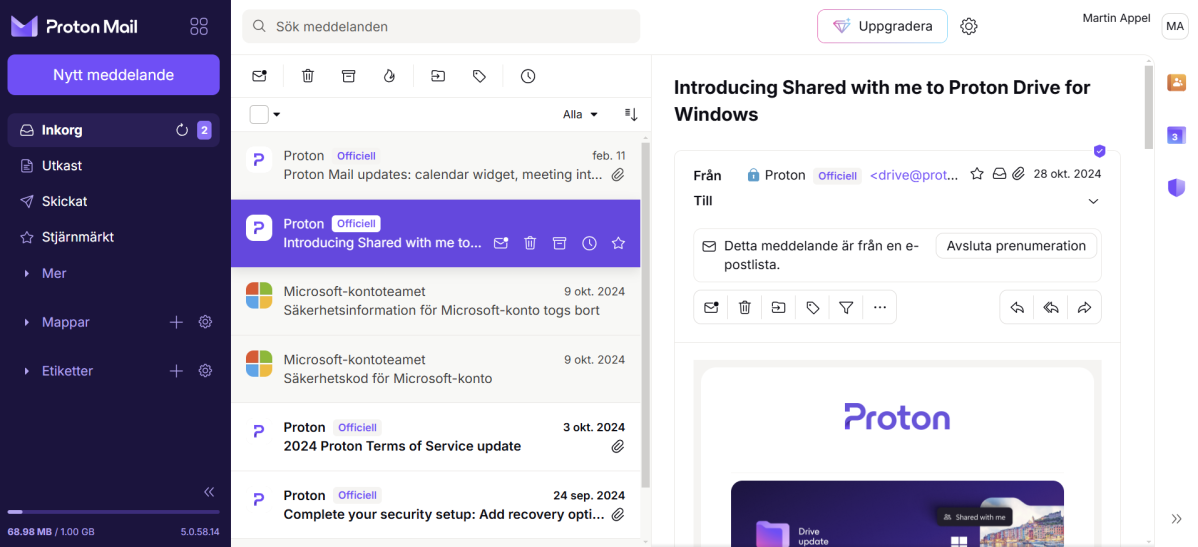
Feels most like Gmail
(And lets you keep your Gmail address too)
Foundry
- Founded: 2016
- Platforms: Windows, Linux, macOS, iOS, Android, web
- Based in: Switzerland
You can use Proton Mail for free—though with a pretty heavy limit on storage (1GB). Still, this basic plan offers the same approach to encryption as paid subscriptions, which start at $48 USD per year.
What you get
Signing up for Proton Mail also opens up access to a full suite of apps. Some will feel familiar if you’re coming from Google: calendars, cloud storage (5GB for free users), document editor, spreadsheet editor, password manager, and video conferencing. You also get access to Proton’s VPN and crypto wallet services. Features are limited for free accounts but still usable.
Unique feature
You can link your Proton Mail account to Gmail, which lets you import your email and then continue to pull in new email sent to your Gmail address.
EE2E encryption
End-to-end encryption applies to mail sent to other Proton addresses automatically. For non-Proton users, you get EE2E after trading PGP keys with them. Proton also offers the option of sending self-destructive, password-protected email, which is only viewable by a recipient via a link to a Proton webpage.
Encryption between Proton and other email providers works similar to Google and Microsoft. Email may be encrypted in transit if the other side supports TLS. Email may also be encrypted at rest on the other end if supported. The major difference is that Proton can’t look through the email saved in your inbox, only individual messages as they come and go.
The only unencrypted data, even for EE2E messages: Subject lines, which Proton says is for technical compatibility reasons. But Proton also says the chances of that information being shared from its end is low, due to Swiss law.
Speaking of: Proton likes to tout its Swiss roots as a privacy benefit, saying it can’t be forced to share data with U.S. and EU law enforcement, nor compelled to widely monitor users. However, Swiss authorities can still compel Proton to share identifying information about a user. Your email will stay secured, but details like your IP address and billing information could become fair game—and shared with other foreign jurisdictions.
Tuta
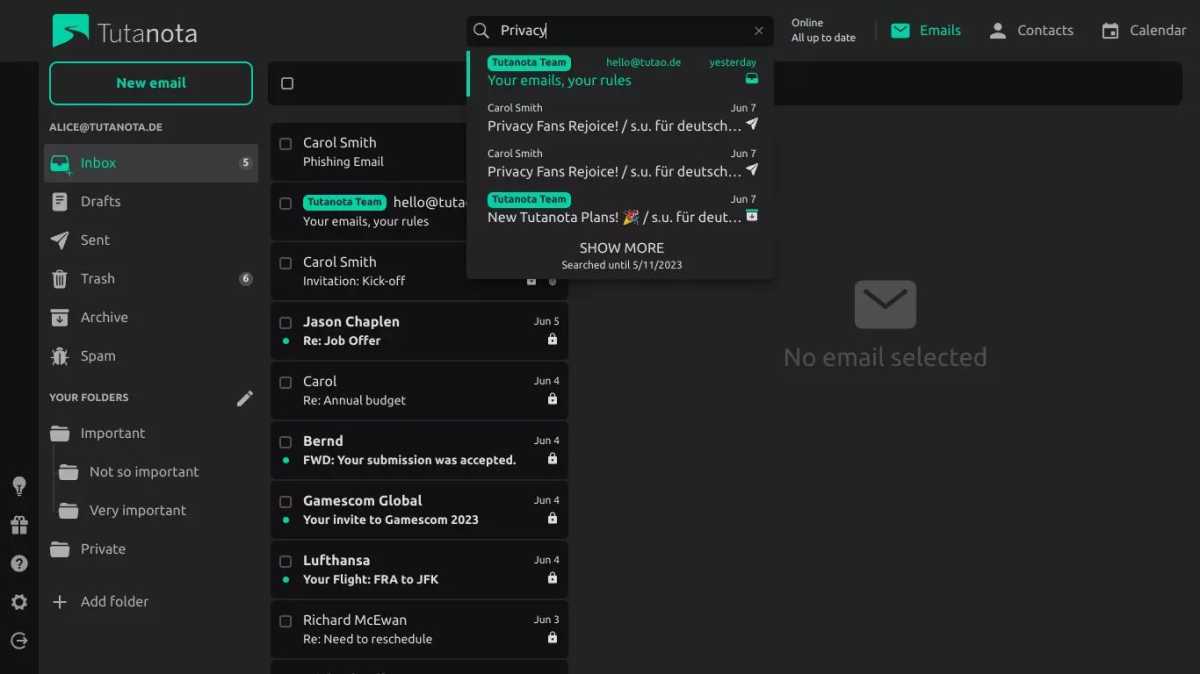
A streamlined option
Tutanota
- Founded: 2014
- Platforms: Windows, Linux, macOS, iOS, Android, web
- Based in: Germany
Tuta may not be as well-known as Proton among most people, but it’s often mentioned in the same breath when internet users ask about EE2E email services. Like Proton, you can use Tuta as a free user, with a limit of 1GB storage. Paid plans start at €36 per year (roughly $41 USD).
What you get
Tuta currently offers just mail and calendar services to all users. Its cloud storage app (“Tuta Drive”) will exit closed beta in a few months. Free users are limited to just one email address, one calendar, and three labels for their mail.
EE2E encryption
End-to-end encryption on Tuta’s end applies to all email exchanged with fellow Tuta users. It also applies to your mailbox, calendar, and address book. Tuta does admit to one caveat, however. Your email address (and those you’ve traded mail with) are unencrypted.
When sending email to non-Tuta users, you can maintain end-to-end encryption by adding a password to the email. Tuta’s unique spin on this method allows for a single password to apply to all EE2E email sent to a particular external contact, which makes the experience simpler for the other person. (And also more likely for them to get on board with the system.)
Otherwise, shooting off an email to a non-Tuta email address will only be partially encrypted once it leaves Tuta’s servers. Messages will get encryption in transit if the other side supports TLS. Email will also be encrypted at rest on the other end if supported, but during the handoff (and likely after, for the other party’s side), both Tuta and the other email provider will be able to see your messages.
Why choose Tuta over Proton, when Proton has a more robust ecosystem of services? One is you care less about where your encrypted email provider is located, since Germany’s data privacy laws are functionally similar to Switzerland’s. Another is that you prefer Tuta’s more streamlined approach to mail and slightly lower cost per year.